FILE MANAGERFREE
Browse the hard drive and USB, upload files and folders, download, copy, move and delete from the browser. No FTP client to set up.
RGHLab Web Panel runs on your Xbox 360 and serves a control panel on your home network. Open the console's address on any phone, tablet or PC to manage files, plugins and games, with no cables and no extra software. The dashboard is free.
The dashboard is free. The Call of Duty tools are added with a licence for your console.
Browse the hard drive and USB, upload files and folders, download, copy, move and delete from the browser. No FTP client to set up.
Enable, disable, replace or remove plugins listed in launch.ini, and load or unload modules live while the console runs.
See what is installed, launch a game or its multiplayer, and watch what's running, all from the couch with your phone.
Change your in-game name, set stats and prestige, and unlock titles, emblems and more from clear forms. Timed name rotation and a player list are in there too.
Toggle in-game self options on and off from a tidy list, with the state shown so you always know what is switched on.
Bind scripts from the built-in library to controller buttons by searching for them by name. Run one from the panel or clear the slot again.
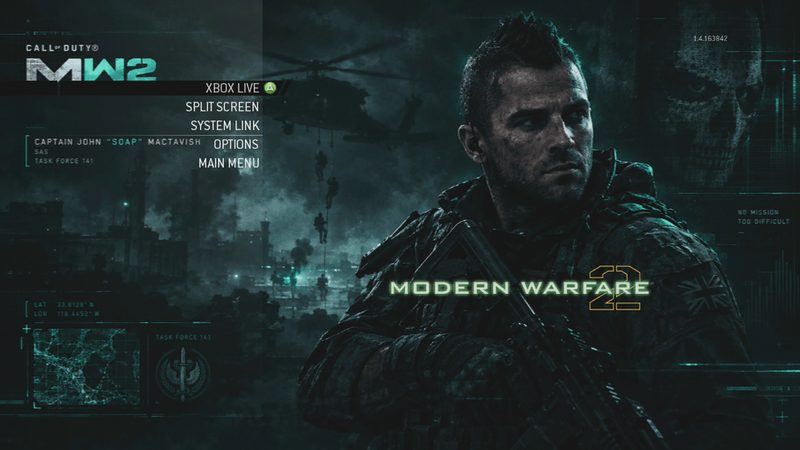
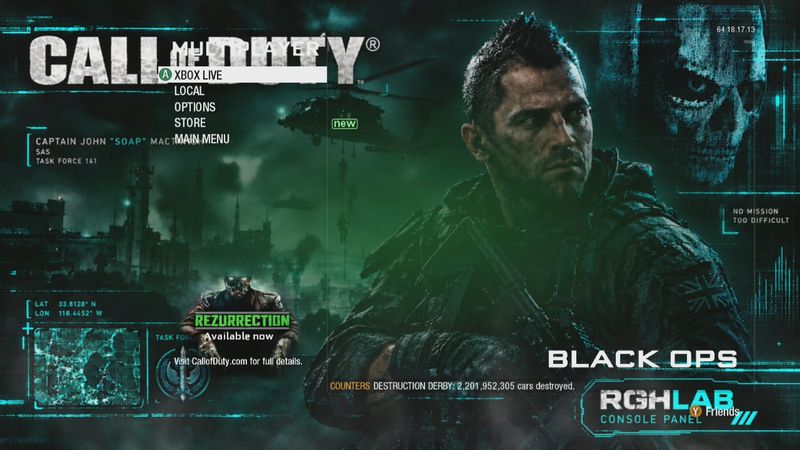
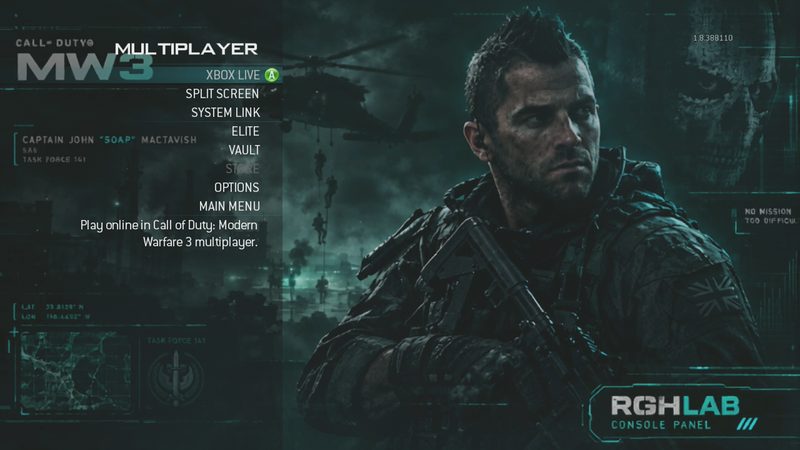
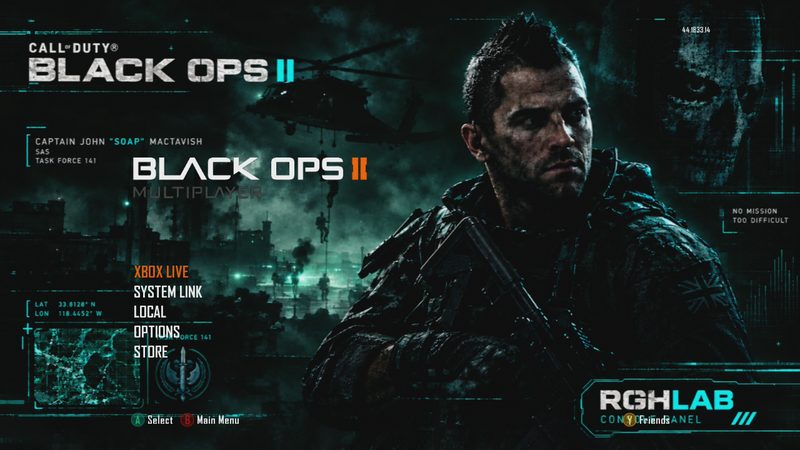
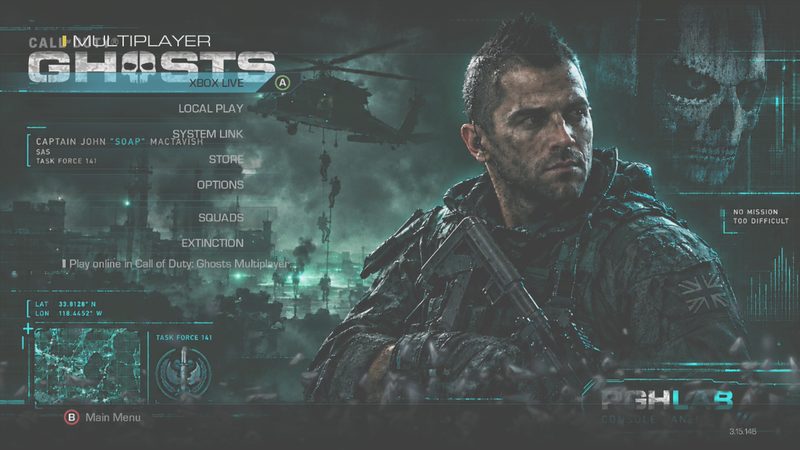
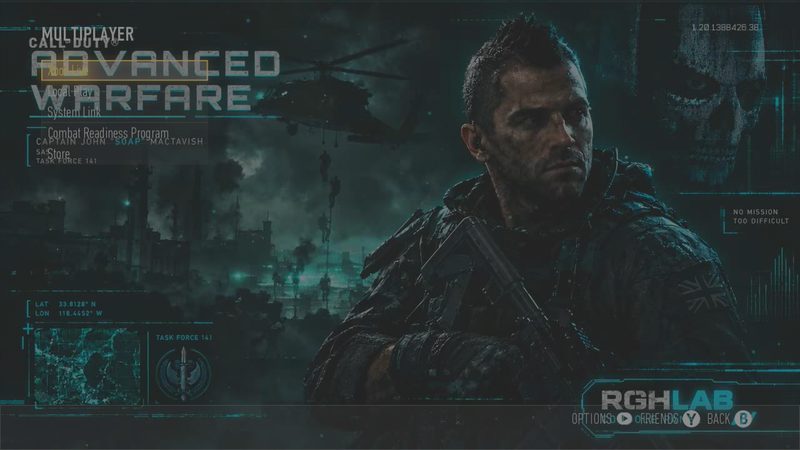
Swap menu backgrounds and artwork per game by uploading your own picture from the Images tab.
Uptime, storage, kernel version at a glance, with power and fan controls and a live log so you can see exactly what the plugin is doing.
Check for a new version and update from the panel itself, with a clean support path if anything ever needs attention.
The dashboard works on any RGH/JTAG console. With a licence, the Call of Duty tools light up automatically when a supported game is running. Here is what each title can do today, and what is on the way.
If your console already runs DashLaunch with plugins, you're most of the way there.
Put Xbox360WebPanel.xex in Hdd:\plugins\ next to your other plugins.
Point a plugin slot at it and make sure sockpatch = true is set, then reboot.
Browse to http://<console-ip>:420 from any device on your network. That's it.
Whenever the console reaches the dashboard, and when the panel is opened, it sends four things to rghlab.co.uk: your console's serial number, the gamertag that is signed in, whether that gamertag is online on Xbox Live, and the plugin version. It does this each time the console reaches the dashboard (after a boot, and after leaving a game, at most every few minutes), when the panel is opened, and when you activate or refresh a licence. The site may also use this contact to deliver plugin updates to your console. We use it to run licences and support: so a licence can be tied to the right console, and so we can see which consoles are using which version. It never sends your files or anything you do in the panel. We don't store your IP address with the console record, although the website's server sees the address of any connection it receives, and a licensed console's record also keeps the address of its last check-in. If you don't want this shared, don't use the Web Panel. To have your console's record removed, ask on Discord with your serial number.
The dashboard is free: console info, file manager, content, plugins, modules, game launcher, power controls and the log. The Call of Duty tools (name, stats, cheats, macros, images and more) are unlocked with a licence for your console.
No. The panel is served by the console itself. Any browser on your local network can open it, including phones and tablets.
It's designed for your home network. The panel listens on your console's local address and isn't meant to be exposed to the internet.
It's a DashLaunch plugin, so it needs a console already running DashLaunch with plugin support (RGH/JTAG).
The plugin can check for new versions and update itself, so you don't need to re-copy files by hand.
Yes, it's the real panel interface showing the free dashboard. Only the console behind it is simulated, so nothing you do in the demo affects a real console.
Join the RGHLab Discord to get set up, ask questions or open a support ticket, or browse the console store.